Kapture · Quickstart
Record your first form in about 2 minutes
- $0.001 per consent certificate
- $0.004 per form, $0.005 with recreation on
- $15/mo unlimited e-sign
2,000 free tokens for new accounts. No credit card needed.
One script tag on the page, one wrapper around your form, and every submission is recorded: the fields, the page the person saw and what they did, as a step-by-step recreation you can share.
The steps
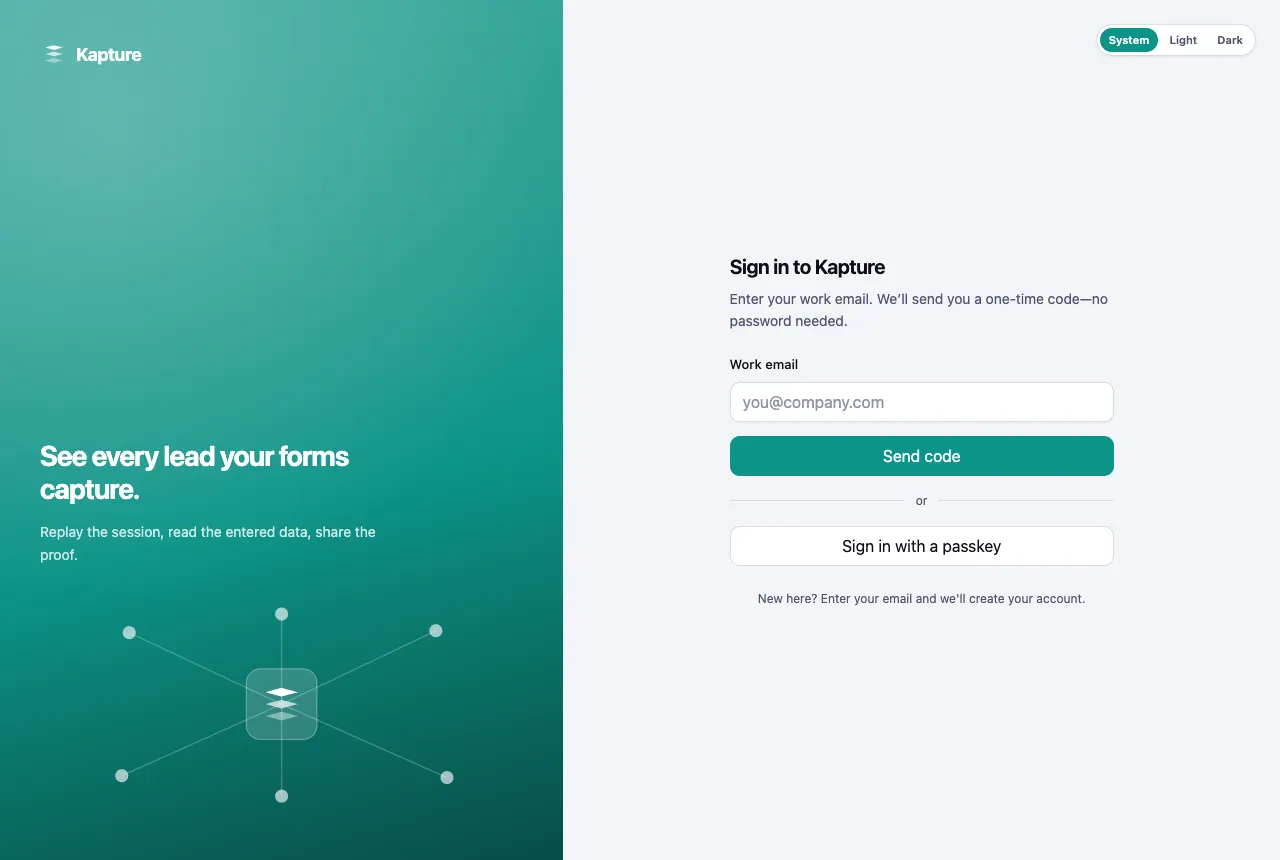
1. Sign up with your work email
The same page signs you up and signs you in: enter your work email and Kapture creates your account and sends a one-time code. There is no password to set.
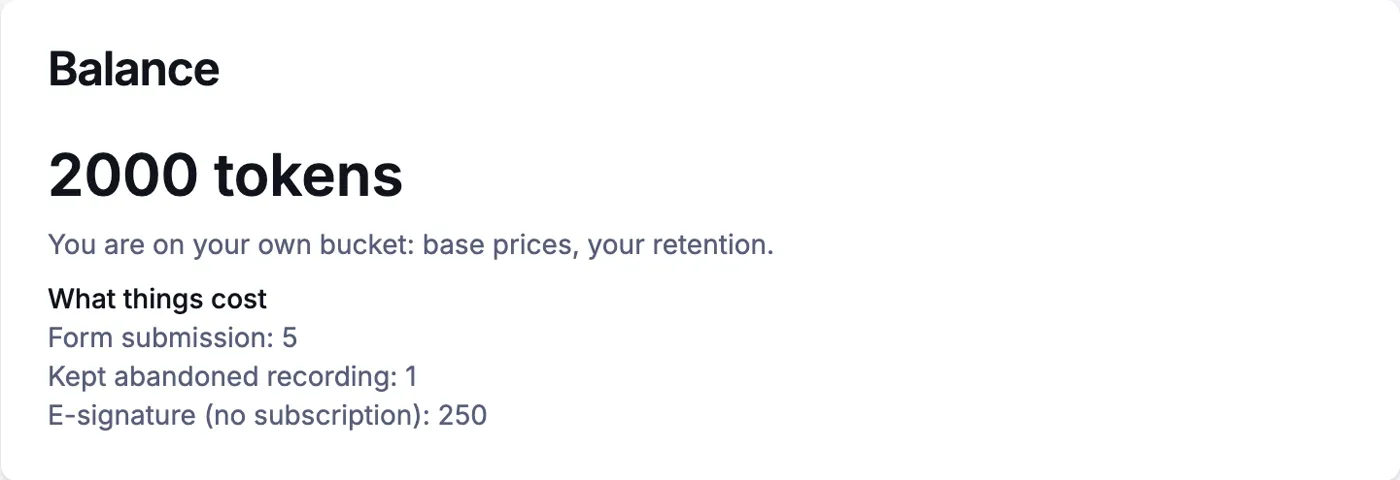
2. You start with 2,000 tokens
Billing shows your balance and what each action costs. One token is $0.001, and tokens never expire. When you need more, the smallest purchase is $20.
3. Copy your pixel line
Open Pixels, choose your pixel and open Setup. Paste the line it gives you into the <head> of every page you want recorded.
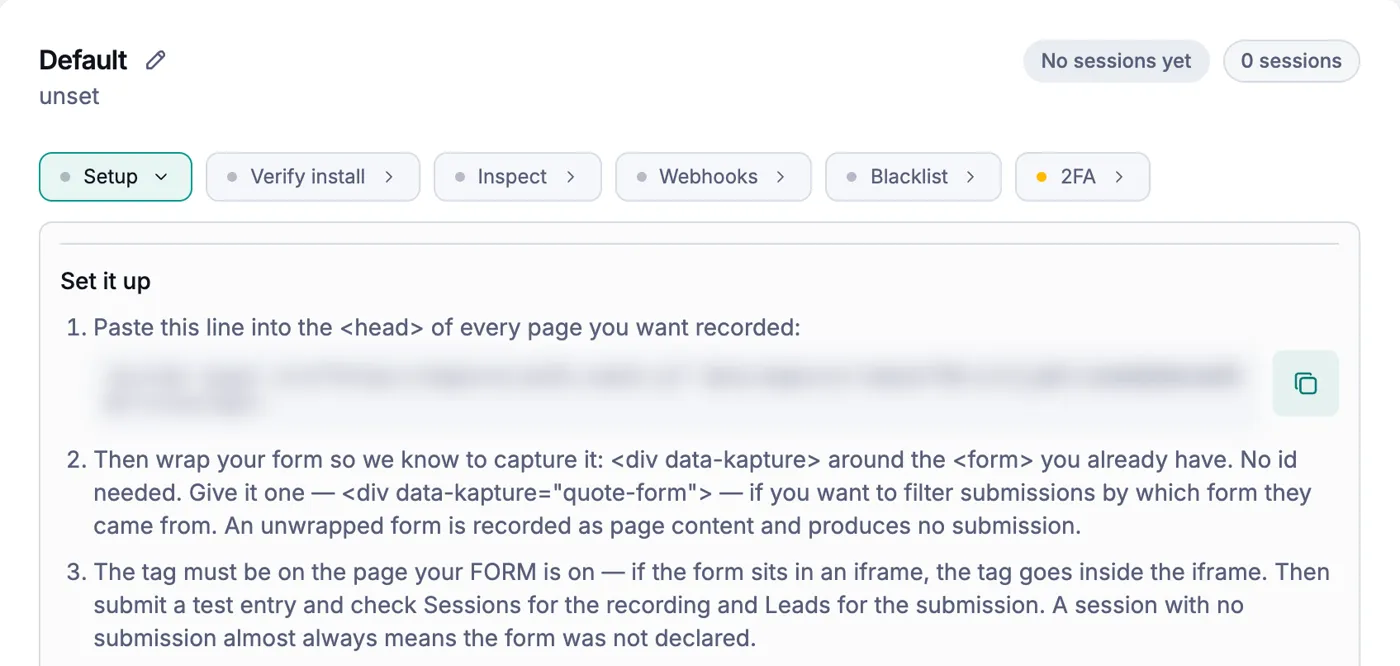
4. Wrap your form
Put <div data-kapture> around the <form> you already have. Give it a name, like data-kapture="quote-form", to filter submissions by form. The tag must be on the same page as the form; if the form sits in an iframe, the tag goes inside the iframe.
5. Submit a test entry
Fill in your form once, then open Pixel Submissions. Your entry shows up with its step-by-step recreation, the lead data it captured and an event timeline.
<script async src="https://kapture.kx21.com/k.js" data-kapture-token="YOUR-TOKEN"></script>

<div data-kapture="quote-form">
  <form> … your fields … </form>
</div>
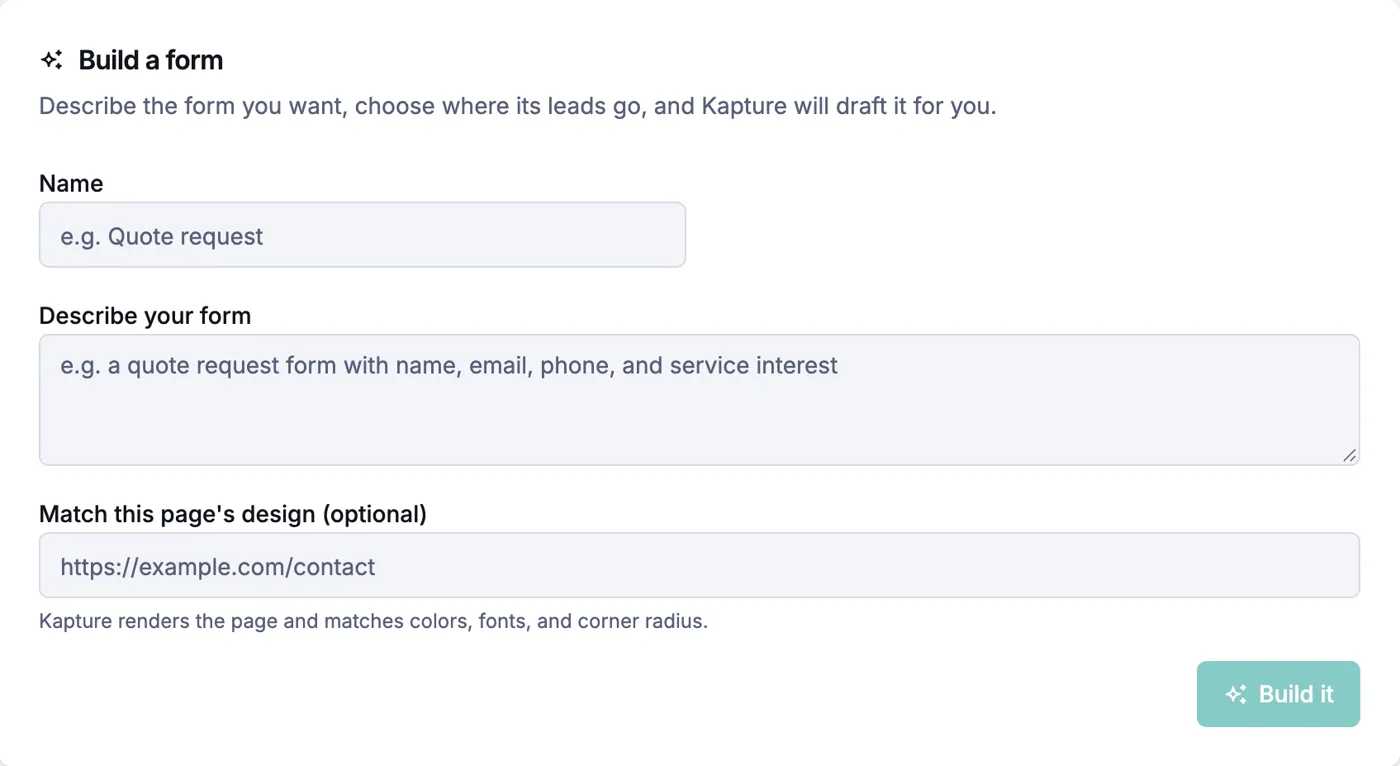
No form yet? Describe it
Open Forms and describe the form you want. Kapture drafts it for you, and can match the colours and fonts of a page you point it at. Or upload the HTML of a page that already has your form.
Ready-made Kapture setups
Copy one of these instead of starting from a blank page.
Included with every lead
- The exact consent words the person agreed to, word for word
- A step-by-step recreation of the visit, rebuilt step by step, not a video. Private fields you mask stay hidden
- A lead record with the visitor’s real IP address, and a record id that travels with the lead so buyers can check it
- Kapture finds forms that load after the page opens, and forms embedded from another site
- The lead is saved even if the person pauses for a long time before finishing
- The same lead saved twice is billed once
Questions
- How long does it take to start recording a form?
- About two minutes: paste one script tag into the page, wrap your form in a div with data-kapture, and submit a test entry.
- Do I need a credit card to try Kapture?
- No. New accounts start with 2,000 free tokens and no credit card. A consent certificate is 1 token with your own connected storage.
- Can I use the form I already have?
- Yes. Kapture records the form you already run; you only add the script tag and the wrapper.