Kurrent · Tour
A tour of the Kurrent interface
- 50% off your current call tracking bill, minimum $1,795/mo
Kurrent has three parts: Calls, Routing and Setup. These are the screens behind each one, taken from our own test account.
Calls
What is happening on your phone lines, now and before.
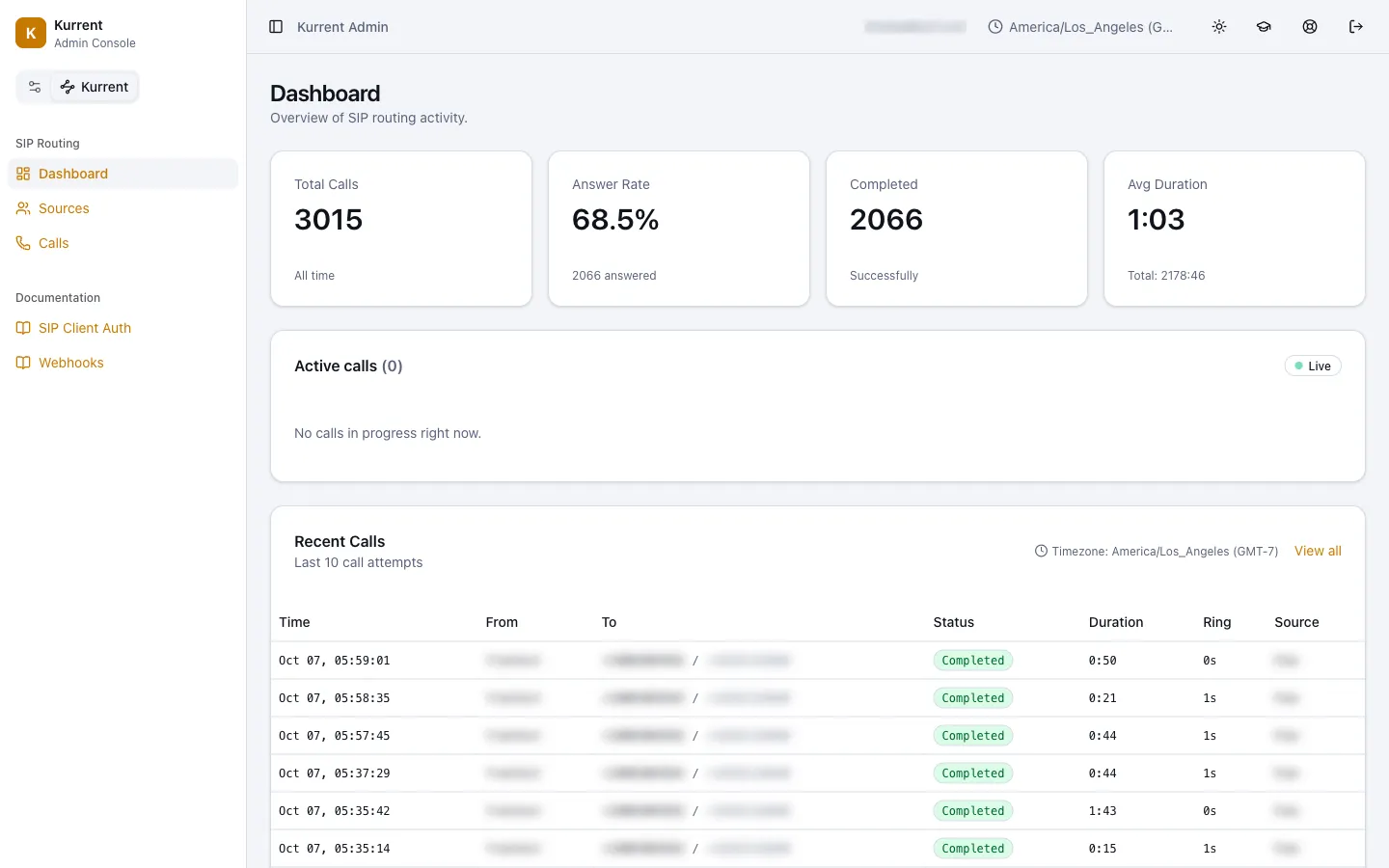
Dashboard
Total calls, answer rate, average call length and the calls in progress right now.
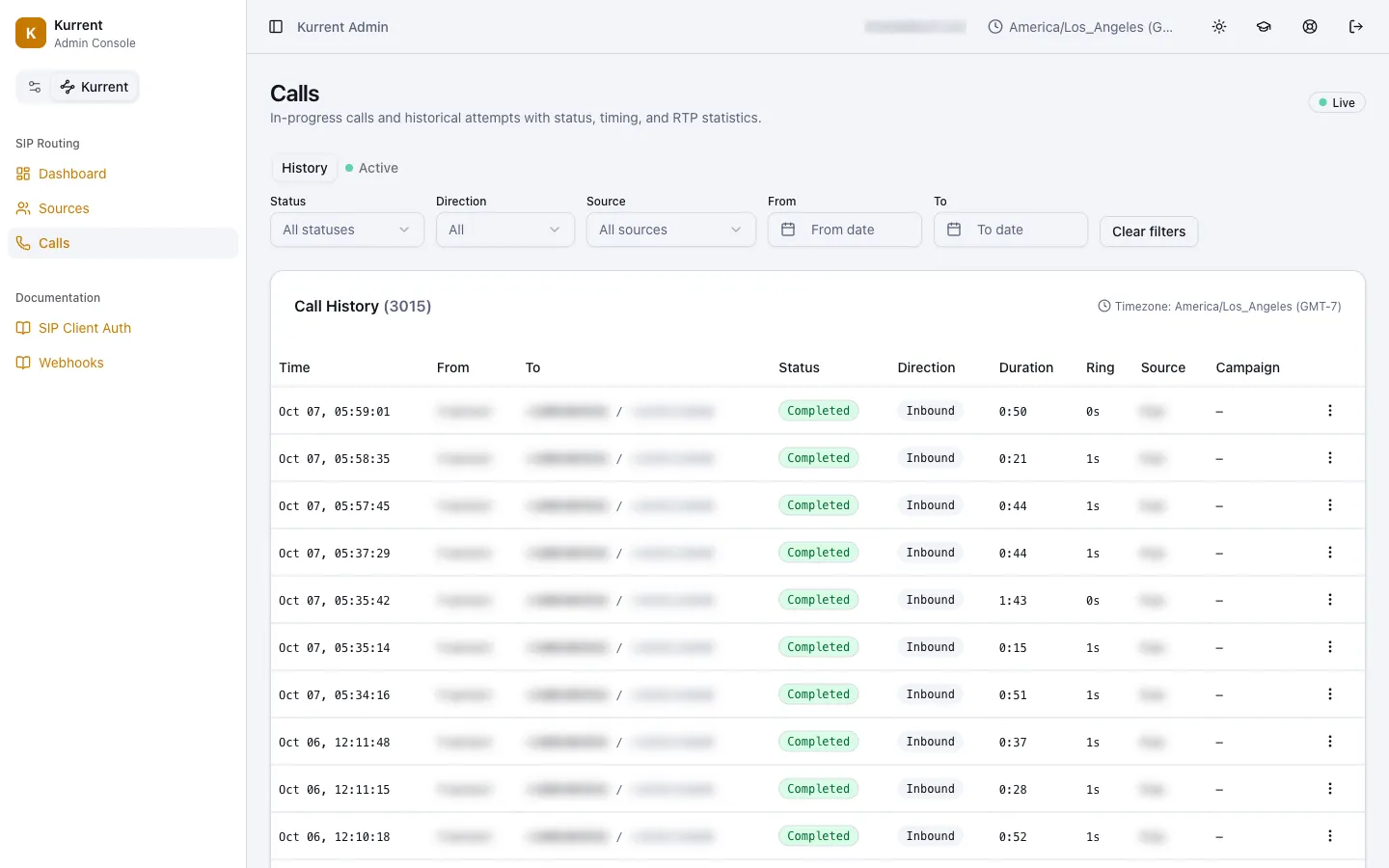
Call history
Every call with its status, length and ring time. Filter by status, direction, source or date.
Routing
Where calls come from, what gets checked, and where each one goes.
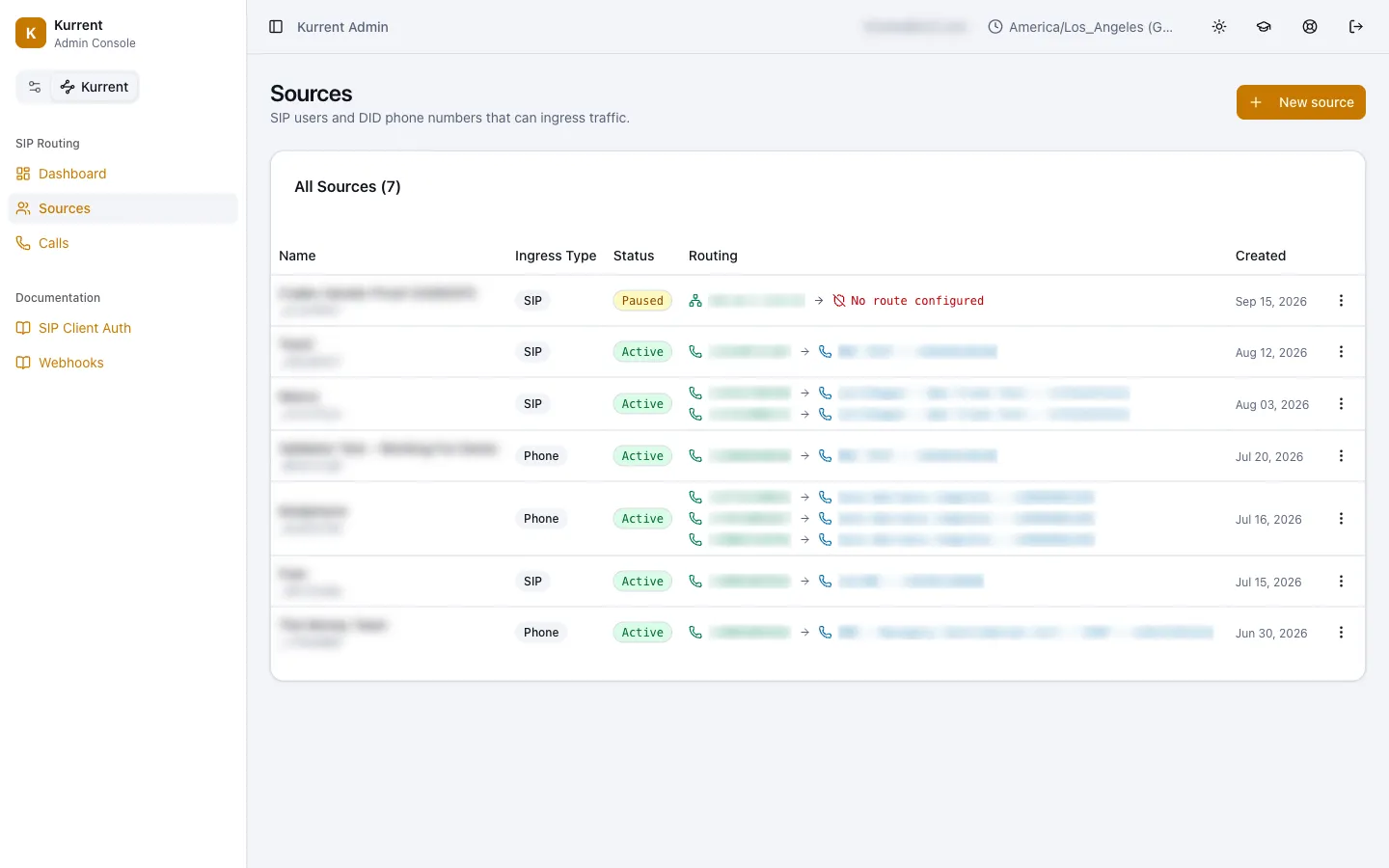
Sources
A source is where calls come from: a phone number you own or a line from a partner. Each row shows where its calls are sent.
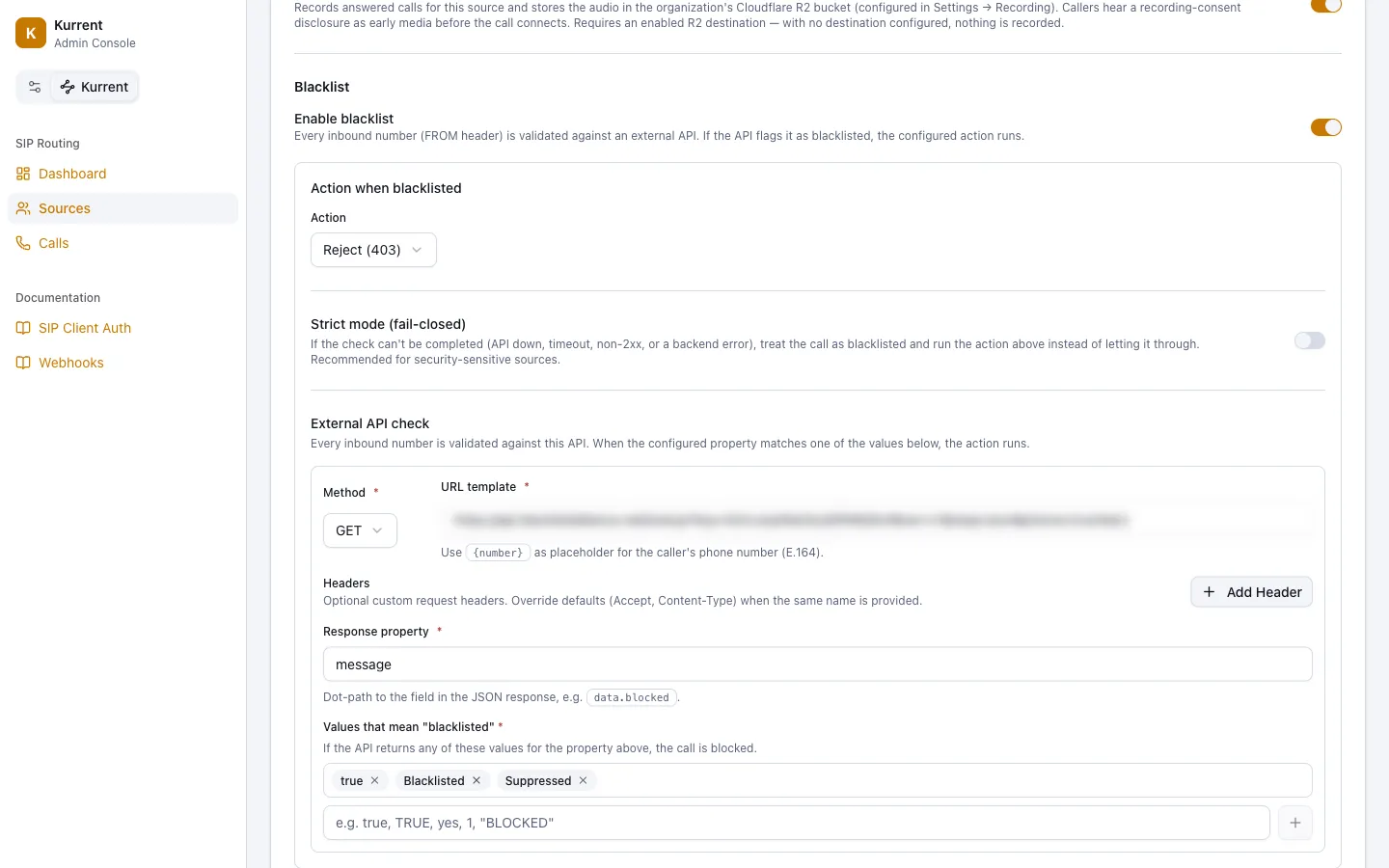
Caller check
Every caller’s number is checked against a service you choose, on your own account, before the phone rings. If it comes back blocked, Kurrent does what you set: reject the call, hang up, let it ring, or send it somewhere else.
Numbers and targets
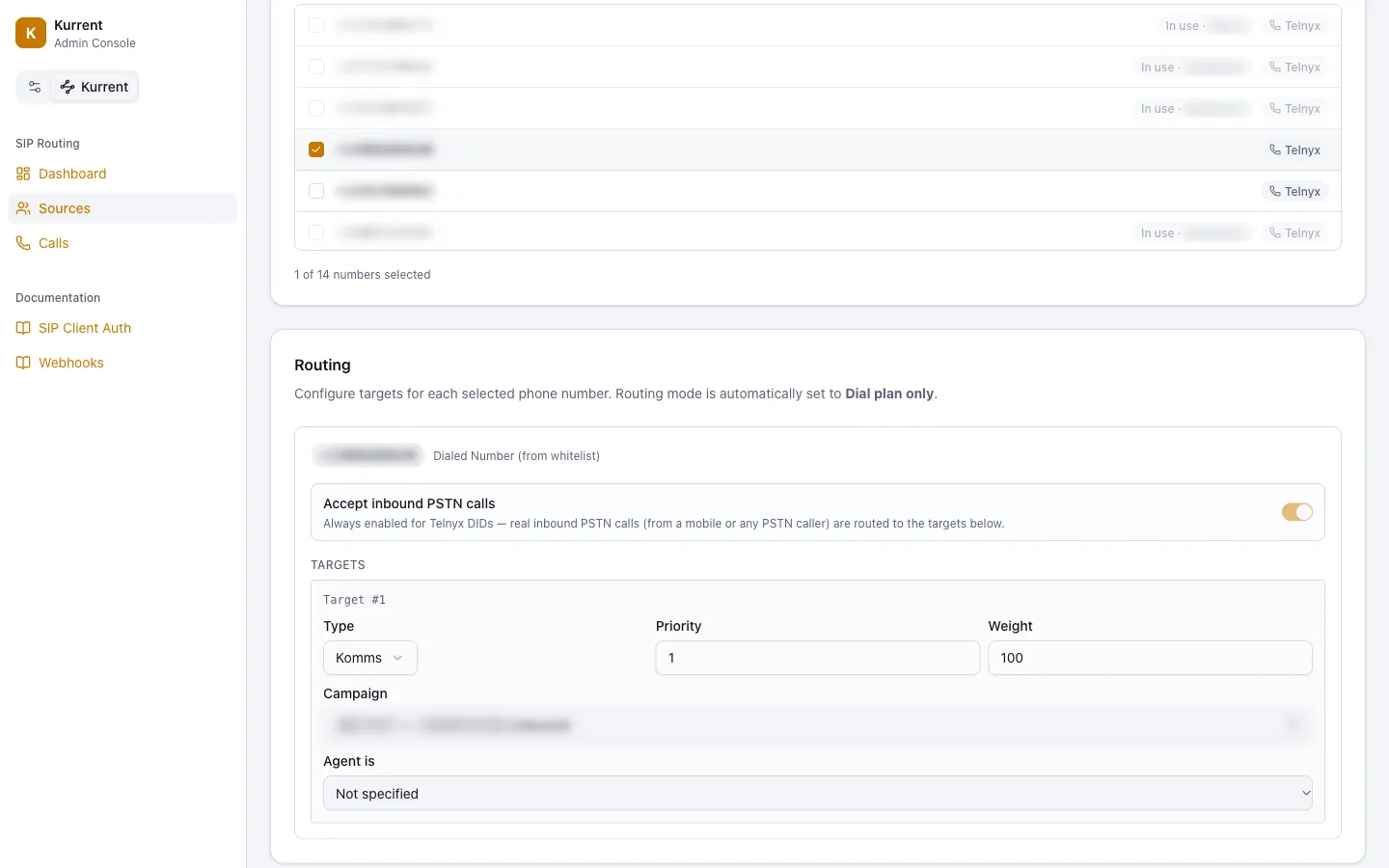
Pick the numbers a source answers, then set where each one goes: a phone number, a Komms AI agent or a call center line, each with a priority and a weight.
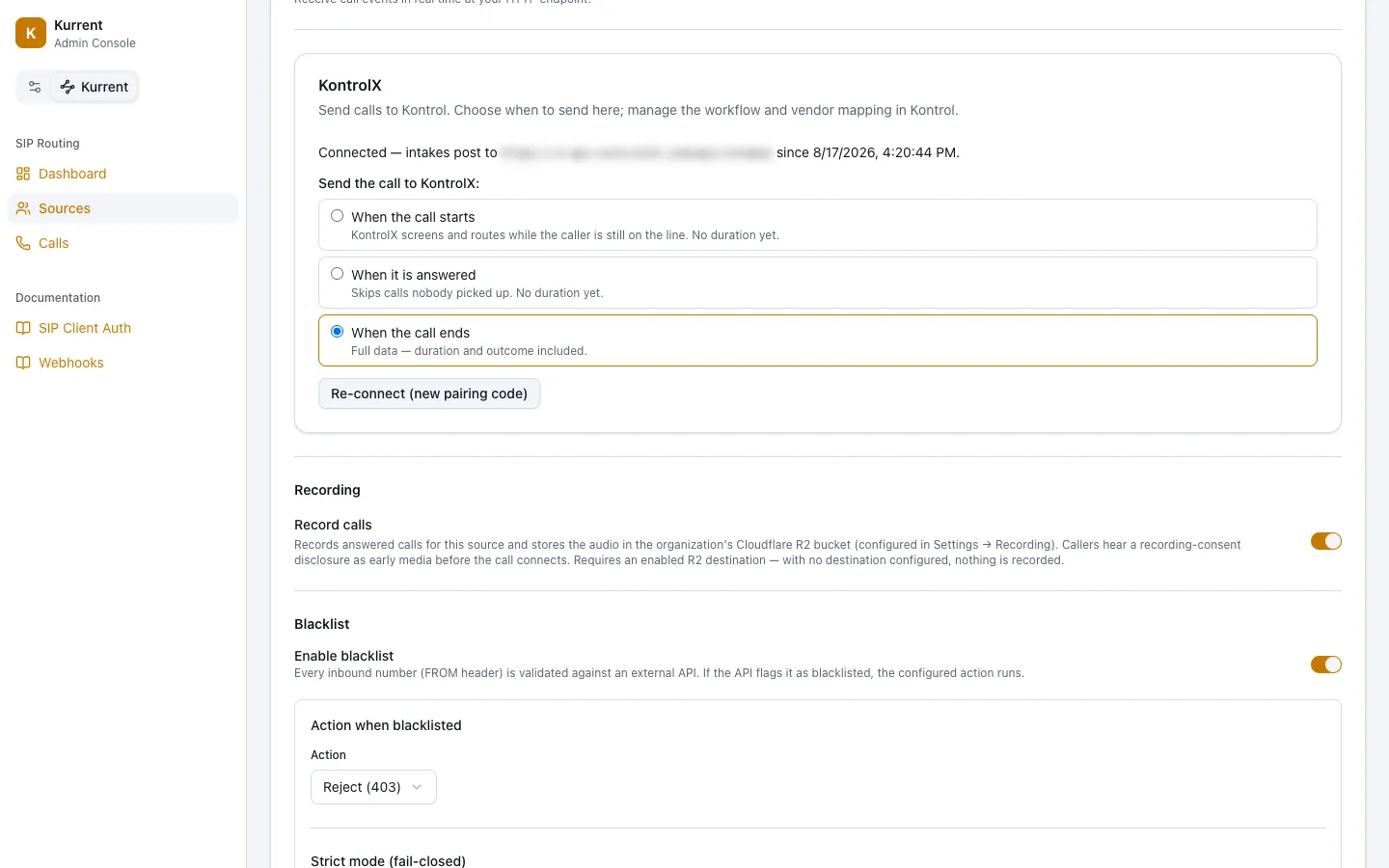
Send calls to KontrolX
Pair a source with KontrolX and choose when each call is sent: when it starts, when it is answered, or when it ends. Call recording is one switch on the same screen.
Setup
The accounts Kurrent runs on. They are yours.
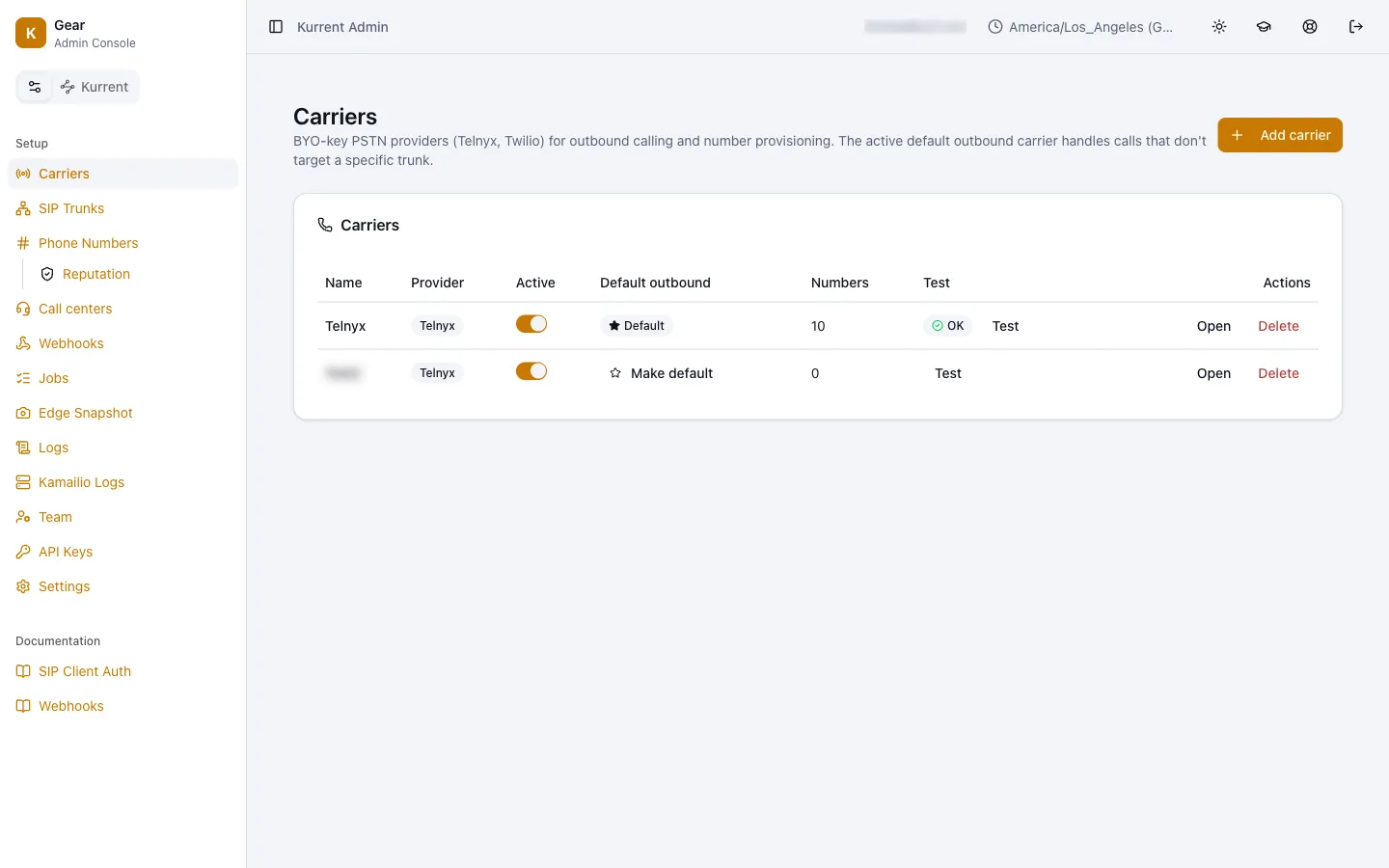
Carriers
Connect your own phone company account. Kurrent runs on it, so the phone company bills you directly for minutes and numbers, at their price.
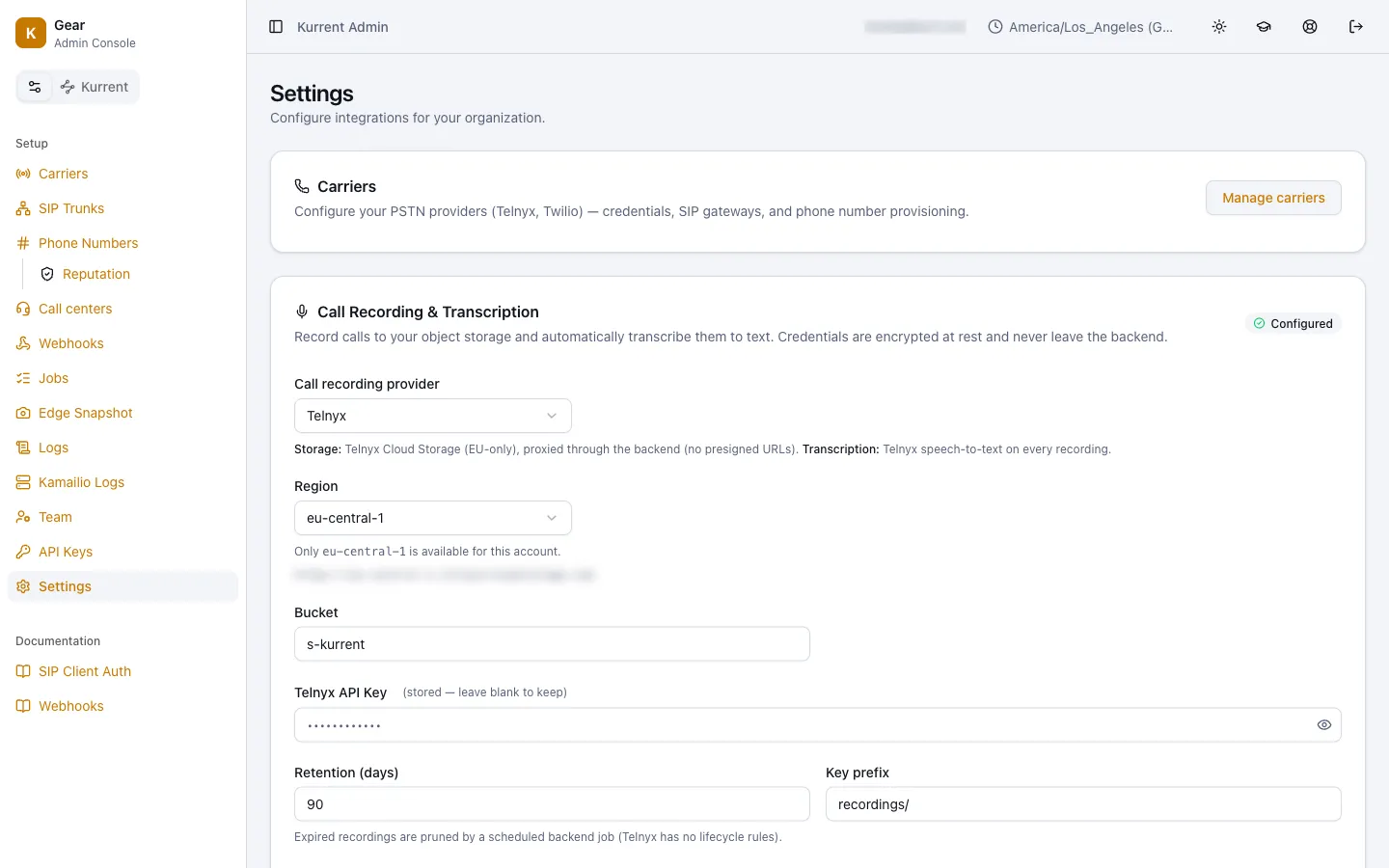
Recording and transcripts
Record calls to your own storage and turn them into text. Set how many days recordings are kept.
Call centers
Paste a pairing code from a Komms campaign and it becomes a place calls can be sent.
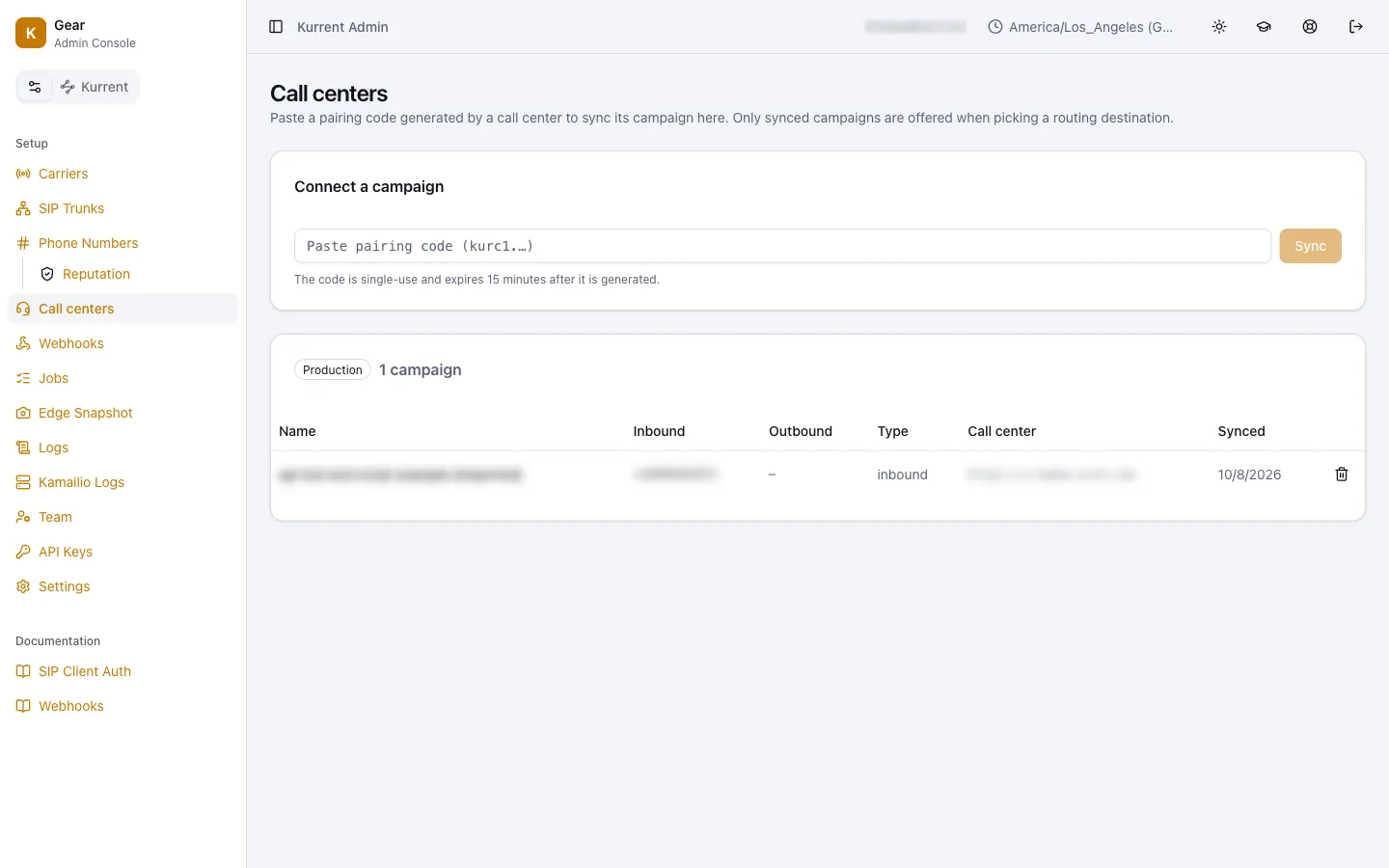
Screens captured October 12, 2026 from a KX21 test account. The calls shown are our own test calls. Names, phone numbers and web addresses are blurred.
Kurrent is 50% off the call tracking bill you pay today, minimum $1,795 a month.